


Pregnancy belly photos, counted day by day.
dayLime is a baby and pregnancy photo app that stamps each photo with its day number, D-N before birth, D+N after.
First 2 slots free forever · iOS & Android
How do I count days on baby photos?
Pick a due date or a birth date, then shoot as usual. The number is stamped at the shutter.
Why count a pregnancy or baby by the day?
Day 100 comes and goes between feedings. A steady photo with the number on it turns a busy stretch into a record you can look back on, and the count is worked out for you.
What does a stamped baby photo look like?

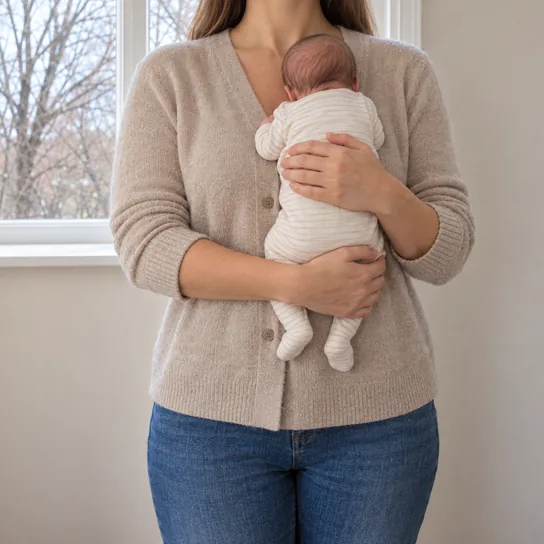
The first week and day 100
Put the first week next to day 100 and see how much has changed.
Each photo carries its own day number, D+7 and D+100 here.
How do I share the first 100 days?
Share one link with family: a photo a week, each with its day number, from D+7 to D+100.
Questions about baby and pregnancy photos
What does D+N mean?
D+N is the number of days since your start day, and D-N is the number of days left until a date ahead of you. dayLime works the number out and stamps it on the photo the moment you press the shutter.
Who can see my shared record?
Only people who have your link. The address is a random 10-character code. For each share you choose original photos, blurred photos or numbers only, and you can turn the link off at any time.

Start the record today.


First 2 slots free forever · iOS & Android