



Switch timestamp apps, add the day count.
dayLime is a camera app that adds a day count to the date and time stamp, and lets you share your photos as one link.
First 2 slots free forever · iOS & Android
What does dayLimeadd to my timestamp?
You keep the date and time. dayLime adds a running day count, gathers your photos into a single record, and lets you share it as one link with the viewing level you choose.
How do Iswitch to dayLime?
 Pick your start day
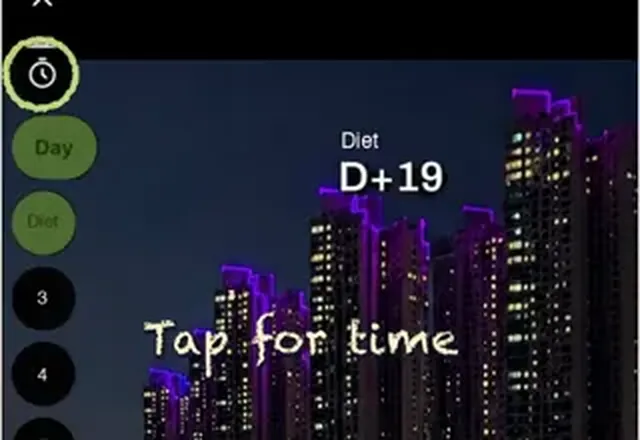 Turn on the date and time
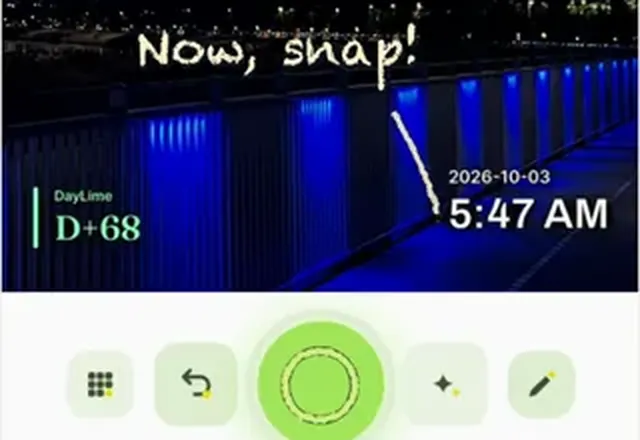 Shoot like you always do
Will dayLime add a dateto my earlier photos?
No. Earlier photos stay as they are. Stamping starts with your next shot, so every stamp shows when you pressed the shutter.
About the timestamp cameraWhat should I knowbefore switching?
Is the start day D-Day or D+1?
You can choose. By default the start day reads D-Day and the next day D+1. Pick Start at D+1 under Display in the D-Day settings and the start day itself reads D+1, so a 100 day challenge begins at D+1. A third way, Count down to goal, counts the days left until your goal date.
Is dayLime free?
Yes. It is free to download and use, and a banner ad shows on the camera screen. Slots beyond the free ones are a one-time in-app purchase, not a subscription.
What does D+N mean?
D+N is the number of days since your start day, and D-N is the number of days left until a date ahead of you. dayLime works the number out and stamps it on the photo the moment you press the shutter.

Try it on today's photo.


First 2 slots free forever · iOS & Android