

Gym progress photos, the same angle every day.
dayLime is a progress photo app for iPhone and Android that overlays a ghost of your last photo and stamps the day number.
First 2 slots free forever · iOS & Android
How do I trackmy gym progress?
Make a slot, line up with the ghost, then shoot. The date and D+N land on every photo.
How does ghost modehelp match my angle?
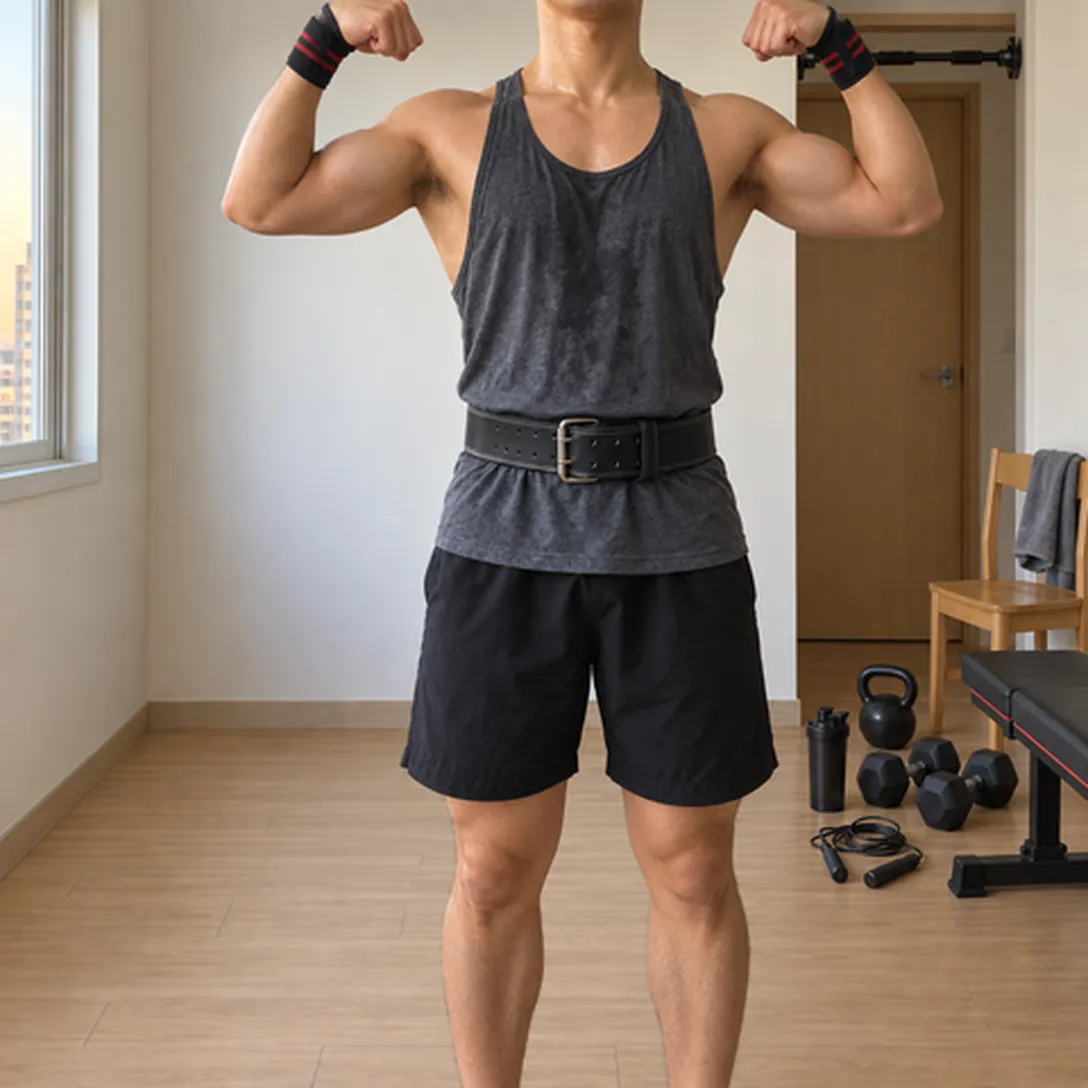
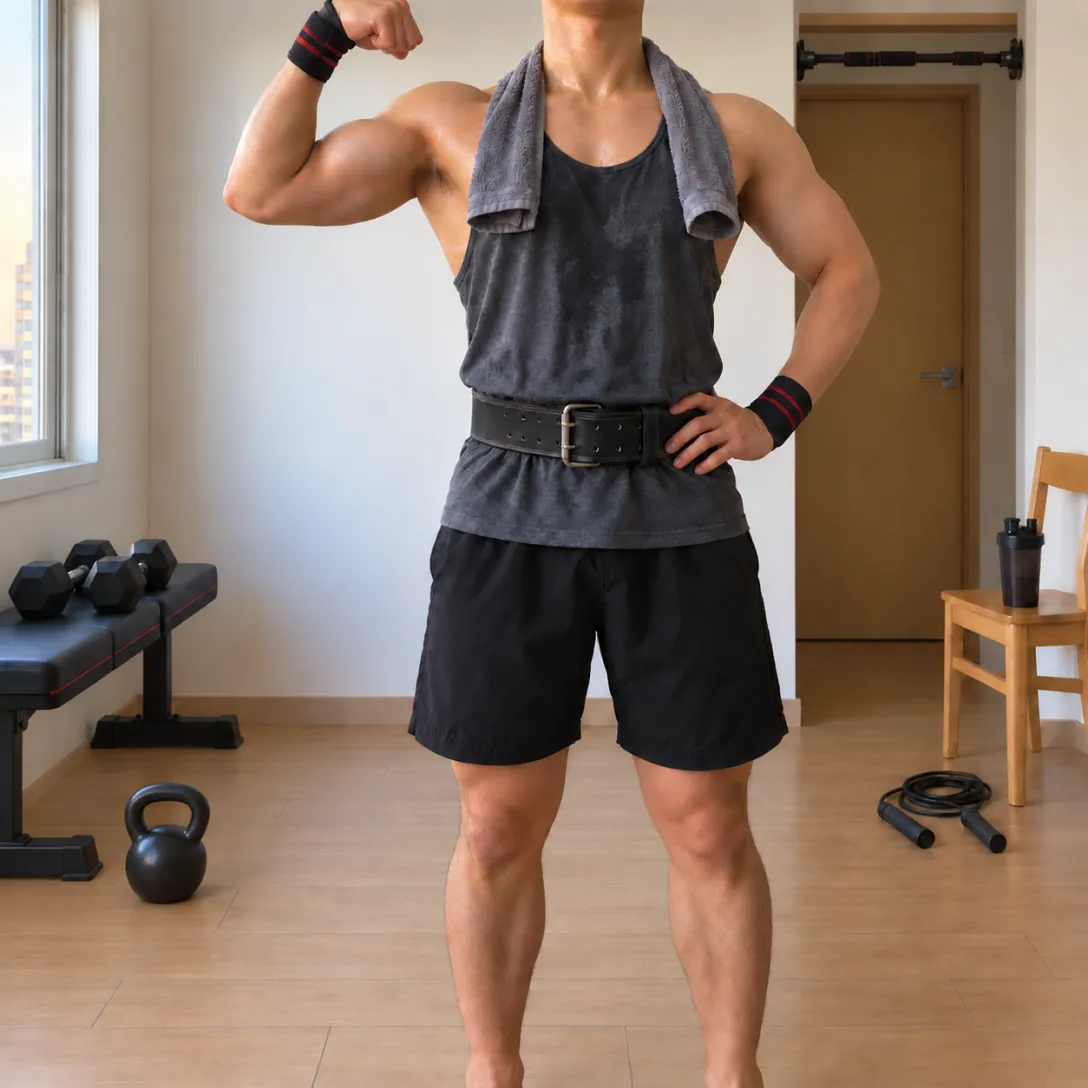
Ghost mode lays a see-through copy of your last photo over the live camera. It is a preview only, so it never appears in your saved photo.
 Last photo
Why use one anglefor progress photos?
Progress photos only compare well when the angle, distance and light stay close. Add a number that says which day each one is, and you can line up day 1 against day 40 without guessing.
How do day 1and day 40 compare?
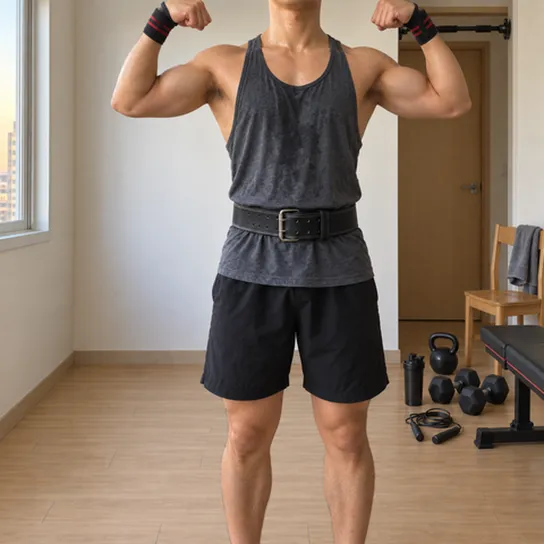
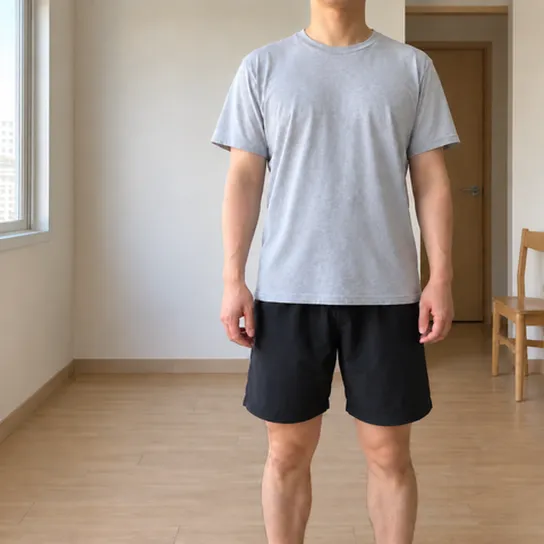
Line up with ghost mode
Ghost mode shows your last photo over the camera so you can hold the same angle.
Same angle, day number on every frame. Drag to compare day 1 with day 40.
How do photosstay in order?
The whole run stays in order on one photo wall, ready to share as a link.
What people askabout progress photos.
What does D+N mean?
D+N is the number of days since your start day, and D-N is the number of days left until a date ahead of you. dayLime works the number out and stamps it on the photo the moment you press the shutter.
Who can see my shared record?
Only people who have your link. The address is a random 10-character code. For each share you choose original photos, blurred photos or numbers only, and you can turn the link off at any time.
What is ghost mode?
Ghost mode lays your most recent photo from the same slot over the live camera as a see-through guide, so you can line up the same framing. It is a preview only and is not saved into your photo. The overlay starts at 40 percent opacity and has a slider.

Your progress starts today.


First 2 slots free forever · iOS & Android